Document Management for Small Businesses: How to Stop Losing Files and Wasting Time
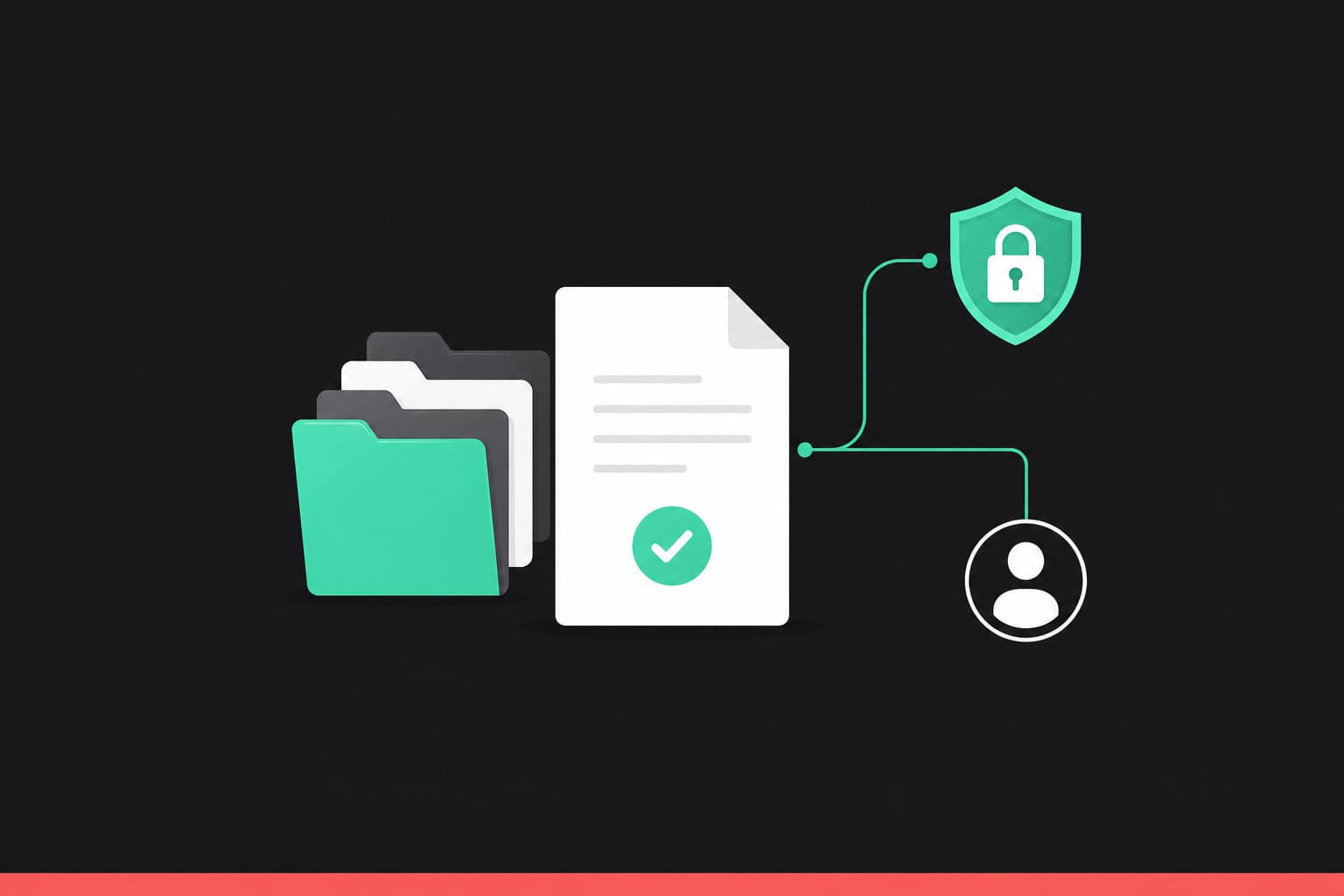
Most small teams don’t have a document problem until they suddenly do. A contract can’t be found the week a client queries it. Two people edit different versions of the same quote. A staff member leaves and half their files go with them. None of it is dramatic on its own. Added up across a year, it quietly costs real hours and the occasional awkward conversation.
This post is about fixing that: what good document management for small businesses actually looks like, the problems it solves, and how to choose a system that suits a small team rather than a corporate IT department.
The hidden cost of scattered files
Ask most small business owners where their important documents live and the honest answer is “a few places.” A shared drive. Somebody’s laptop. Email attachments. The odd USB stick in a drawer. It works right up until it doesn’t.
The cost shows up in small ways. Time lost hunting for the right file. A supplier sent last month’s price list because nobody was sure which version was current. An invoice that can’t be produced quickly when an accountant or auditor asks for it. If you handle personal data, there’s a compliance angle too: under GDPR you’re expected to know where information is held and who can see it.
None of these are disasters. They’re friction, and friction is expensive when a team is small and everyone is busy.
What a document management system actually does
A document management system (DMS) is software that stores your files in one secure place and adds structure around them. At its core it does a few things a shared folder can’t.
It keeps a single copy of each document, with version history, so there’s no confusion about which file is the latest. It controls who can see and edit what, down to individual folders or files. It lets you search by content and tags rather than remembering where something was filed. And it records an audit trail, so you can see who opened, changed, or shared a document and when.
That’s the whole idea. Everything lives in one place, the right people can reach it from anywhere, and you can prove what happened to it.
Five problems it solves for a small team
Lost files. Central storage with proper search means you find a document in seconds instead of trawling through folders and inboxes.
Version confusion. Version control keeps one master copy, so nobody works on an out-of-date draft or sends the wrong one out.
Slow approvals. Built-in workflows route a document to the right person for sign-off automatically, rather than chasing it round by email.
Unclear access. Permissions and audit trails mean you always know who can see sensitive files and who has touched them.
Remote and part-time working. Cloud access lets office staff, home workers, and contractors all reach the same up-to-date files from any device.
What to look for when choosing one
Not every system is built for a small business. Plenty are designed for large organisations with their own IT teams, and they bring a price tag and a setup burden to match. A few things matter more when you’re small.
Ease of use comes first. If the system is fiddly, people quietly go back to email and shared drives, and you’ve paid for nothing. Look for something your team can pick up in an afternoon.
Security and compliance matter next. Check for recognised standards such as ISO 27001 and Cyber Essentials, GDPR compliance, encryption, and full audit trails. These are the things that let you answer honestly when a client or regulator asks how you look after their information.
Then look at pricing you can predict. Watch for systems that charge per feature or per add-on module, where the cost creeps up as you actually use the thing. And check the practical extras a small team leans on: electronic signatures, simple approval workflows, and mobile access.
Our recommendation: Folderit
We’ve looked at the options, and for most small businesses we’d point you at Folderit.
It’s built for smaller teams rather than corporate IT departments, and it shows in how easy it is to get going. Capterra has recognised it as one of the most user-friendly document management systems around, which matters because a tool only helps if people actually use it.
On security it’s genuinely solid: ISO 27001 and Cyber Essentials certified, GDPR compliant, with 256-bit encryption, full audit trails, and backed-up storage. The pricing is straightforward, with features like workflow automation, e-signing, and e-forms included rather than sold as extras, and terms that can run monthly through to multi-year. There’s also built-in e-signing, including options that meet eIDAS standards, plus a DocuSign integration if you already use it.
Folderit offers a free, no-pressure trial, so you can try it with your own files before committing to anything.
If you’d like to look into it, get in touch with us. We work with Folderit and can talk you through whether it’s a good fit for how your business works, then set you up with the right person to get started.
Frequently asked questions
What is a document management system?
It’s software that stores your business files in one secure place and adds structure around them: version control, access permissions, content search, and an audit trail of who did what. It replaces the mix of shared drives, email attachments, and local folders most small teams rely on.
Do small businesses really need one?
If you’re regularly losing time finding files, dealing with duplicate versions, or handling personal or regulated data, yes. A DMS pays for itself in saved hours and reduced risk. Very small teams with only a handful of documents may not need one yet.
Is my data safe in a cloud document system?
A reputable system is usually safer than files spread across laptops and USB sticks. Look for ISO 27001 and Cyber Essentials certification, GDPR compliance, encryption, and audit trails. Folderit has all of these.
How much does document management software cost?
It varies by provider and team size. The thing to watch is hidden costs: some systems charge extra for features like e-signing or workflows. Folderit includes those in the package, with predictable monthly or longer-term pricing.
Can staff use it when working from home?
Yes. Cloud-based systems like Folderit work from any device with a browser, so office, home, and part-time staff all reach the same current files. That’s one of the main reasons small teams move away from shared office drives.
Guest post by Alan Campbell of VaultIQ, a Folderit document management partner.

Gordon Sheppard
Article category:
